Note
Go to the end to download the full example code.
Saving and Loading Configurations
Export a lifegraph to a portable JSON or YAML file and recreate the exact same graph later. Useful for sharing configurations or version-controlling your life data separately from code.
Build a graph and export it to JSON.
from datetime import date

from lifegraph import Lifegraph
from lifegraph.configuration import Papersize

birthday = date(1990, 11, 1)
g = Lifegraph(birthday, dpi=300, size=Papersize.Letter)
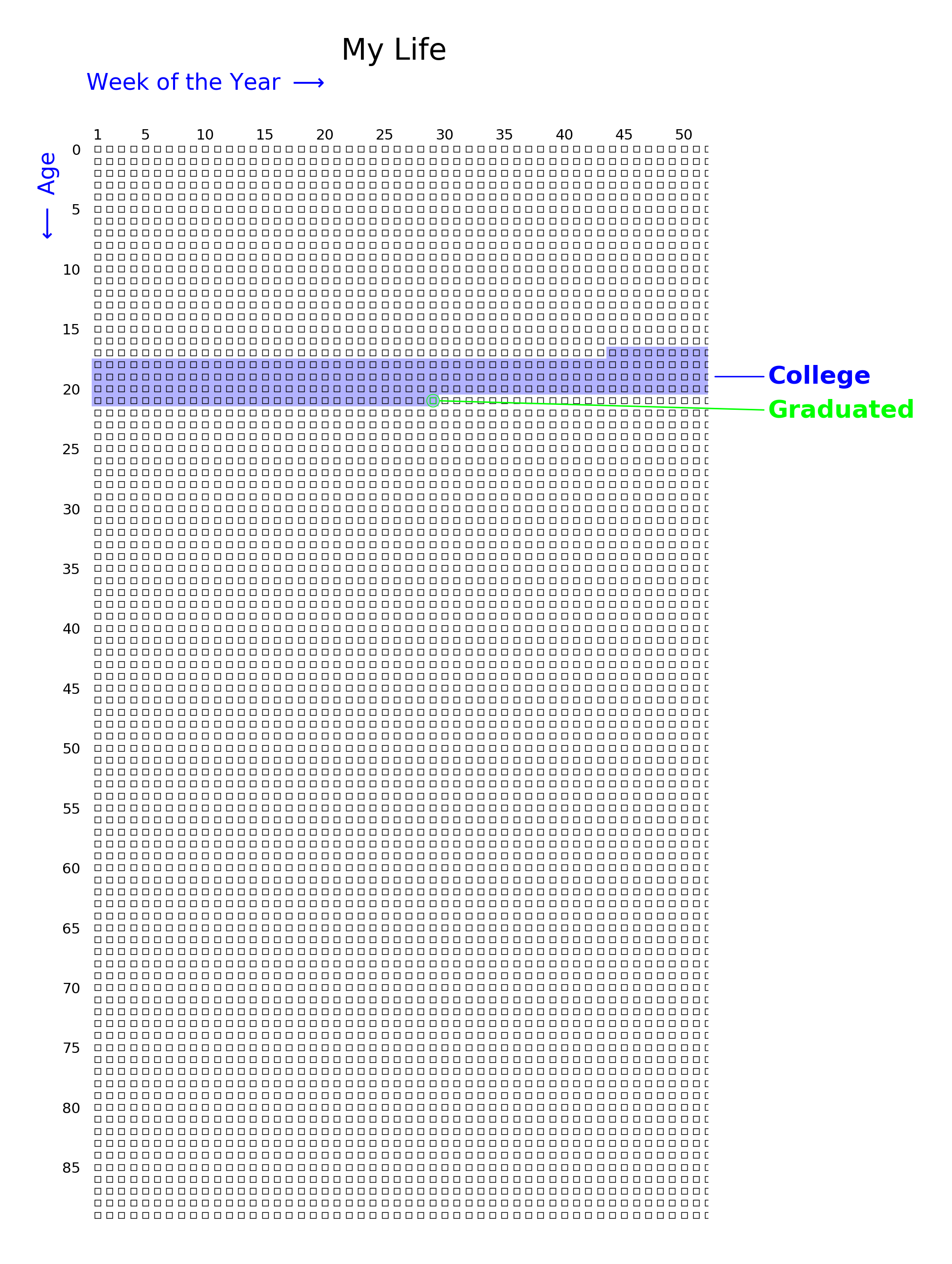
g.add_life_event("Graduated", date(2012, 5, 20), color="#00FF00")
g.add_era("College", date(2008, 9, 1), date(2012, 5, 15), color="blue")
g.add_title("My Life")

g.save_config("my_life.json")
Re-import and render from the saved config.
g2 = Lifegraph.from_config("my_life.json")
g2.save("my_life.png")
Total running time of the script: (0 minutes 0.625 seconds)